

General settings
The Settings page provides an overview of your organization’s account, including:Tenant ID
Your unique organization identifier.
Current plan
The subscription plan you’re on.
Plan limits & usage
Users, storage, and domains used vs. available.
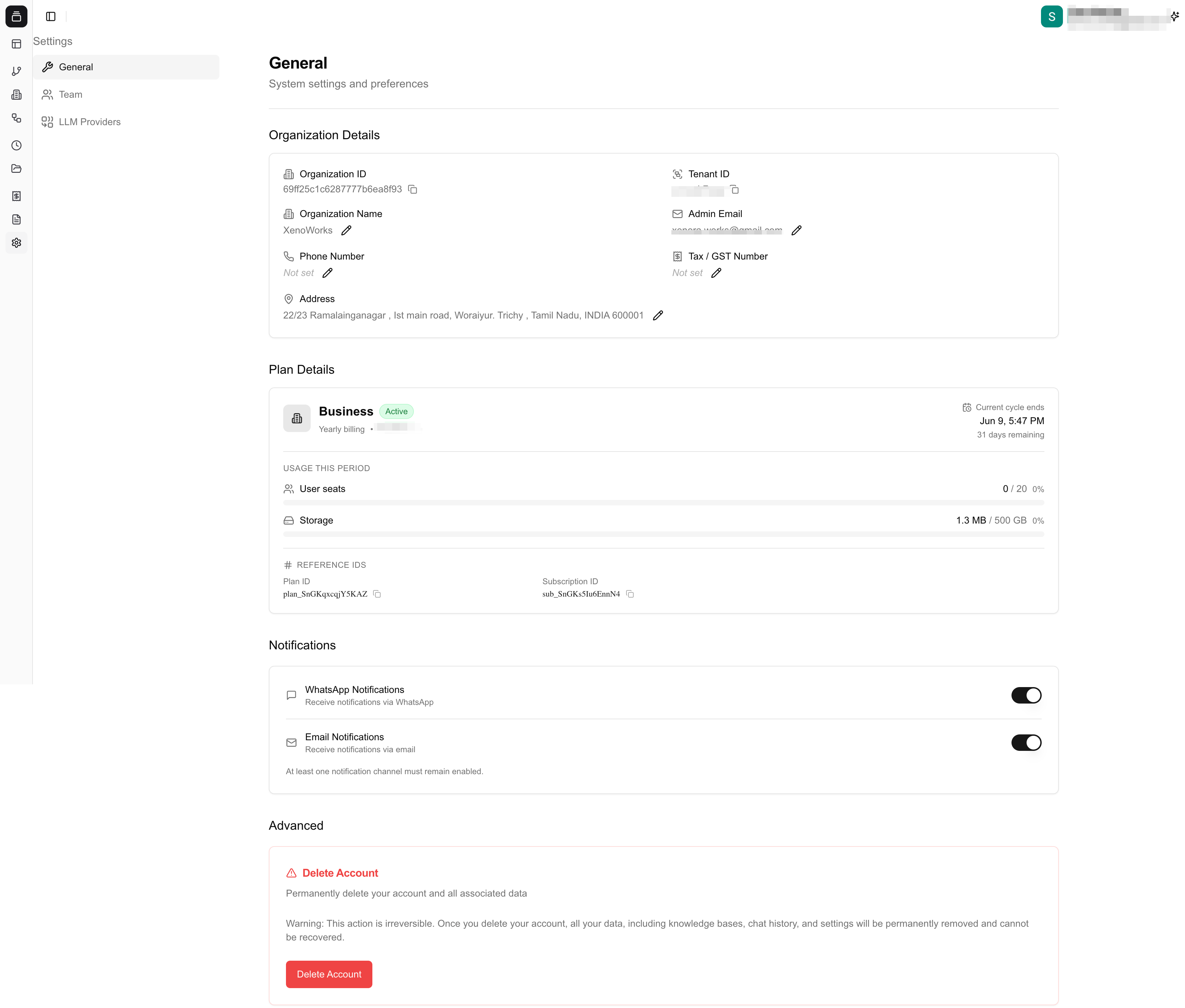
Organization settings page
Delete organization
After you cancel your billing, you can request deletion of your organization. The process works as follows:1
Immediate archival
Your account is archived as soon as you confirm deletion. You and your team will lose access to the dashboard, and no new cases or uploads can be created.
2
Cool-down period
Your data is retained for 1 to 6 months to meet statutory and regulatory requirements (such as tax records and audit obligations under Indian law).
3
Permanent deletion
Once the cool-down period ends, all your documents and account data are permanently deleted from Xenora’s systems and cannot be recovered.
If you change your mind during the archival period, contact support to restore your account before the cool-down completes.