

Accessing the application
Navigate to Xenora in your browser to get started.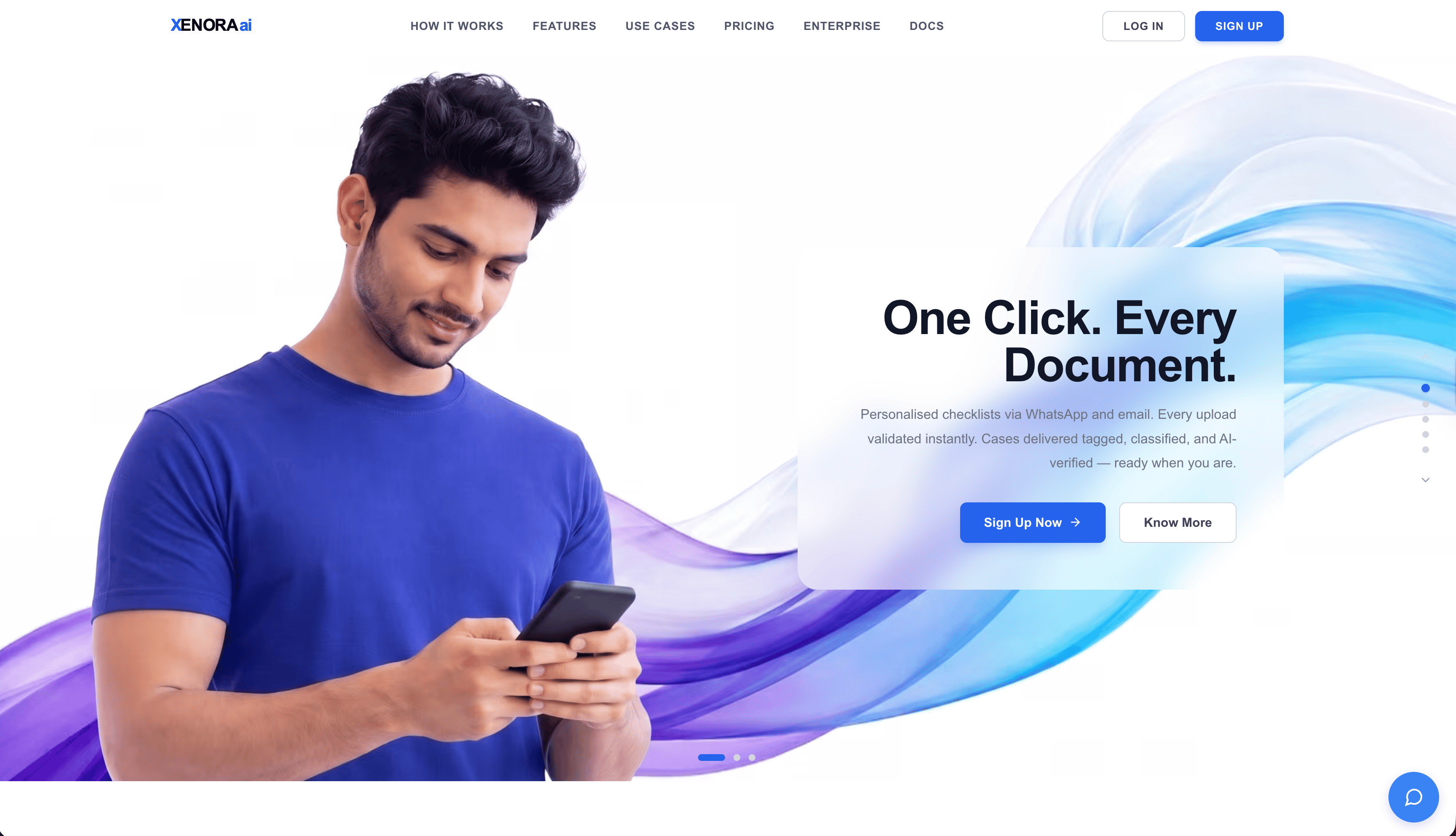
Xenora sign-in page
Authentication & login
Xenora supports three sign-in methods:Sign in with your Google account.
Microsoft
Sign in with your Microsoft account.
Organization email
Enter your work email and we’ll send a one-time password (OTP) to verify.
Organization selection
1
Enter your organization name
Provide the legal or display name your team will use inside Xenora.
2
Accept the Terms of Service
Review the ToS, then continue to plan selection.
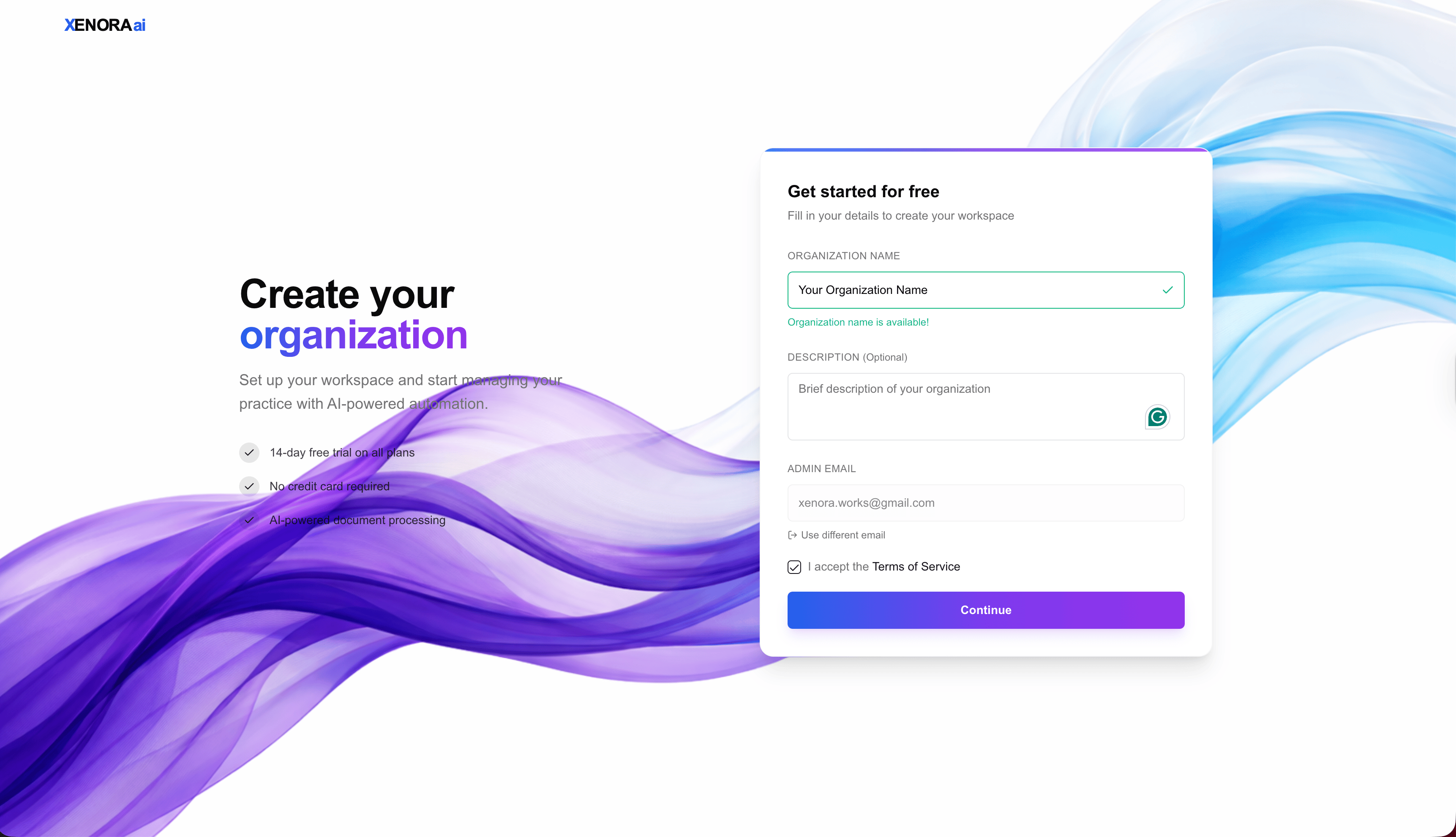
Organization selection screen
Select your plan
Choose a plan to continue. Pricing varies by country — see the Pricing Page for details.Trial and billing
- All paid plans include a 14-day free trial.
- A Free plan is also available if you’d like to try Xenora without a trial period.
- Cancel anytime during the trial — no charges will apply.
Domain selection
- Free / Starter — includes one domain.
- Pro — includes one domain, with optional add-on domains available for an extra fee.
- Business — includes access to all domains.
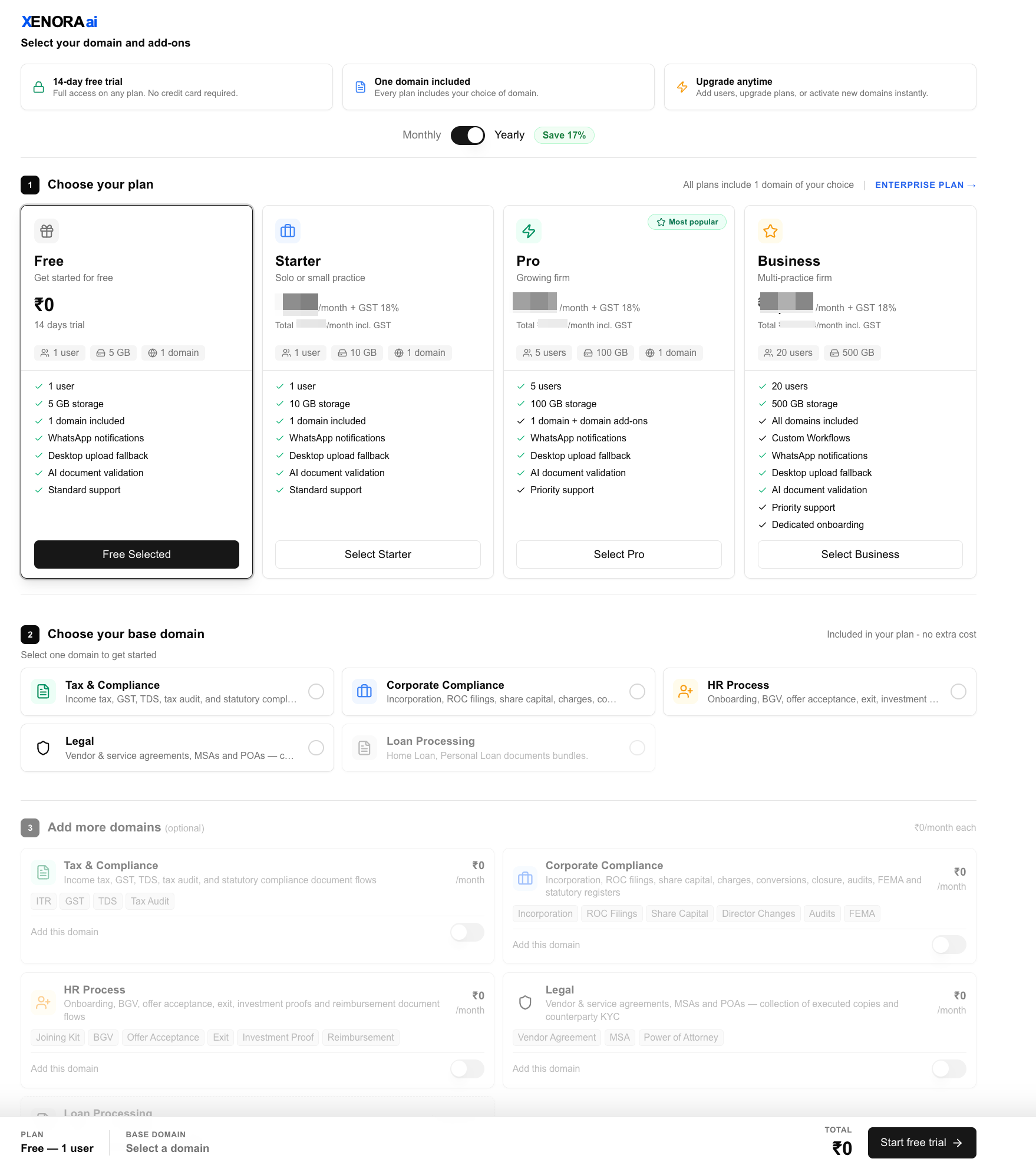
Plan selection